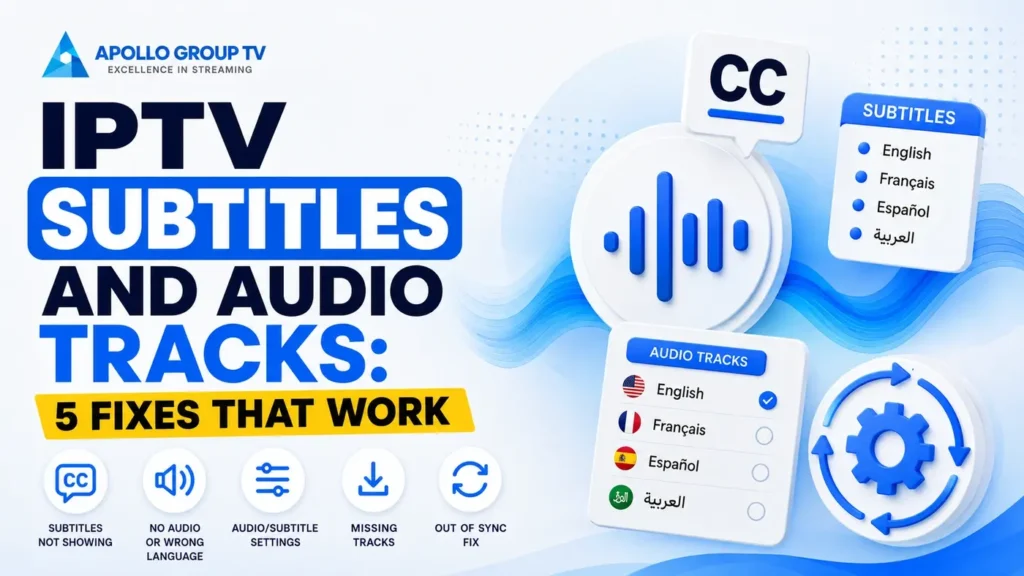
A channel opens in a language nobody in the house speaks. You go looking for the setting, find it, and there is only one option listed. Nothing you change makes any difference.
That is not a broken app. Almost every problem with IPTV subtitles and audio tracks comes down to one fact that players never explain: the app does not create either of them. It displays what the stream already carries, and if the stream carries nothing, no setting will conjure it up.
Where Subtitles and Audio Actually Come From
Tracing the path from broadcaster to your screen makes the limits obvious, and saves a lot of time otherwise spent in settings menus.
Two consequences follow. If the track list shows a single language, the decision was made upstream and no configuration changes it. And if a channel offers three languages while another offers one, that difference belongs to the channels rather than to your setup.
This is worth establishing first because it separates problems you can solve from problems you cannot, which turns out to be roughly half of them.
Not all the sameThree Kinds of Text on Screen
The words for these get used interchangeably, and the differences matter when something behaves unexpectedly.
Written for viewers who cannot hear the audio, so they include speaker identification and non-speech sounds alongside dialogue. Usually in the same language as the audio.
Can you turn them off: yes, they are a separate track.
Written for viewers who can hear but do not speak the language. They translate dialogue and generally omit sound effects and speaker labels.
Can you turn them off: yes, also a separate track.
Text that is part of the video image itself rather than a track alongside it. Common on international feeds and on some live coverage.
Can you turn them off: no. Never, in any player.
That last category accounts for most of the messages that begin "I cannot remove the subtitles." If text stays on screen with every subtitle option disabled, it was baked into the picture before the stream ever reached you. The Described and Captioned Media Program's explanation of the different types of captions covers the distinctions in more detail, including subtitles produced specifically for deaf and hard-of-hearing viewers.
Ten minutes, onceSet Your Defaults Once
Players usually select the first track in the stream rather than the one you want, which is why some channels open in an unexpected language while others are fine. Setting a preference tells the player what to look for instead, and it is the one configuration step that makes IPTV subtitles and audio tracks behave predictably across the whole channel list.
Preferred audio language
Set this and the player will choose your language on every channel that carries it, falling back to the first available track where it does not. Without it, the behavior is essentially arbitrary and varies channel by channel.
Subtitle default state
Three settings are common: always on, always off, or on only when the audio is not in your preferred language. That third option is the most useful one and the least frequently found.
Appearance, if your player allows it
Size, background box and position are adjustable in many players. A background box behind the text is the single change that most improves readability on bright scenes, since white text over a white background disappears entirely.
Do this on every device separately. These preferences are stored locally in most players, so a tablet keeps its own settings regardless of what you configured on the television.
Five Problems and What Causes Each
Match what you are seeing against this table first. It narrows the cause before you change anything.
| What you see | Most likely cause | Fixable by you |
|---|---|---|
| Wrong language plays by default | No preferred language set, so the player takes the first track | Yes |
| Only one track listed | The stream carries only one | No |
| Subtitles drift out of sync | Timing offset in the stream, or the player's own delay setting | Sometimes |
| Selection resets on channel change | Choice applied to the session rather than saved as a default | Yes |
| Text appears as boxes or symbols | Character encoding the player cannot render | Sometimes |
Two of these five are outside your control, which is useful to know before spending an evening on them.
Wrong language on every channel
The fix is the preferred audio language setting above, not changing the track each time. Selecting manually per channel is a session choice in most players and will not persist.
Do this: set the default, then restart the app so it applies from the next channel onward.
Subtitles running ahead or behind
Many players include a subtitle delay control, adjustable in fractions of a second while playing. If the offset is constant, this fixes it completely. If it drifts progressively, the timing data itself is faulty and no adjustment holds.
Do this: nudge the delay while watching, and note whether the gap stays constant.
Garbled characters instead of text
The subtitle track uses a character encoding your player is not interpreting correctly, which mostly affects non-Latin alphabets and accented characters. Some players expose an encoding setting; most do not.
Do this: check for an encoding option, and test the same channel in another player to confirm the cause.
Getting the Most From Captions
For anyone relying on captions rather than using them occasionally, a few details make a large difference to how usable they are.
Look for closed captions rather than subtitles where both are offered. Captions include speaker identification and non-speech sound, which is the information that makes a scene followable when the audio is inaccessible. Subtitles carry dialogue only, and a scene where the tension sits in an off-screen noise becomes impossible to follow without them.
Quality varies considerably on live programming for a straightforward reason: captions produced in real time are written as the words are spoken, so a delay of several seconds and occasional errors are normal rather than a fault in your setup. Pre-recorded programming is captioned in advance and is generally accurate and properly synchronized.
If your player allows appearance changes, a solid background box and a slightly larger size are worth setting even if the defaults look acceptable at first. Readability problems tend to appear on specific scenes rather than throughout, which is why they get noticed late.
Last caseWhen the Track Exists but Won't Play
Occasionally the track is listed, you select it, and nothing happens. The audio continues unchanged or the subtitles never appear.
This usually means a format the player cannot decode. Audio in a surround format the device does not support will often fail silently rather than reporting an error, and the same applies to subtitle formats that are less widely handled. Neither is a configuration mistake.
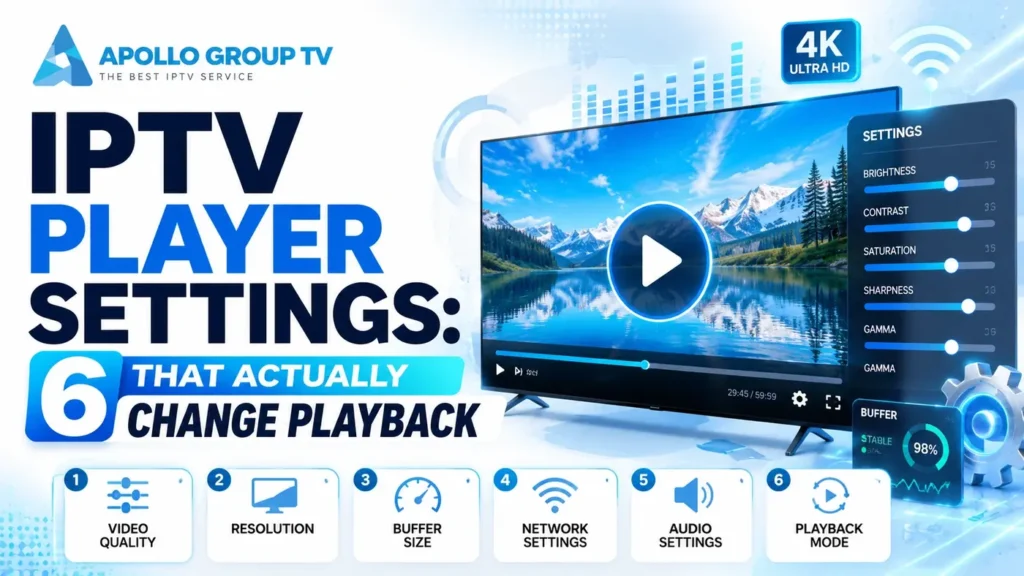
Two things are worth trying. Switching between hardware and software decoding changes which formats the player can handle, since the two paths support different sets. And if a stereo track is listed alongside a surround one, selecting stereo frequently resolves audio that refused to play. Our guide to player settings covers what each decoding option does and when to change it.
If neither works, the limitation belongs to the player or the device rather than to your subscription. The how to use an IPTV app guide covers how to tell those apart, which saves contacting support about something no provider can change. See more here for what each plan includes if you are still choosing a service.
Frequently Asked Questions
Why do IPTV subtitles and audio tracks differ so much between channels?
Because each channel is packaged separately. One broadcaster may supply three audio languages and full captions while another supplies a single track, and the provider carries what it receives. The variation reflects the channels rather than any inconsistency in the service.
Do IPTV subtitles and audio tracks carry over to a second device?
The tracks themselves do, since they travel with the stream. Your preferences usually do not, because most players store them locally rather than on the account, so each device needs setting up once.
Can I add my own subtitle file?
Some players support loading an external subtitle file for on-demand content. For live channels it is impractical, since a file would need to align with a broadcast whose exact start time varies.
Does turning on subtitles use more data?
Effectively no. Text tracks are tiny compared with video, so the difference is not measurable against an hour of streaming.
Why does the audio language reset every time I restart?
You are probably setting it during playback rather than in the app's preferences. A per-channel selection lasts for that session; the default in settings is what survives a restart.