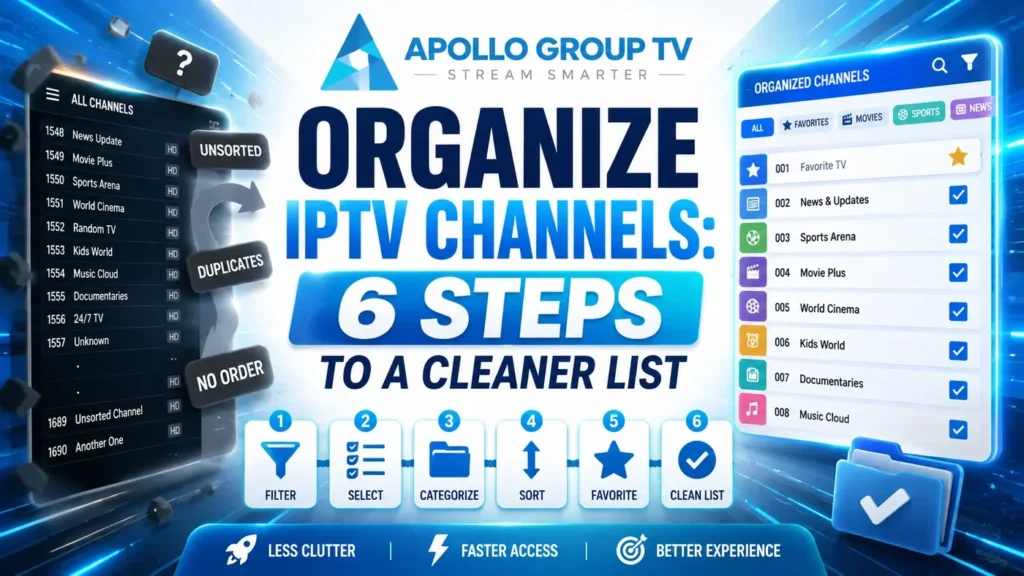
Open the channel list and you are looking at several hundred entries. Watch your own viewing for a week and the honest number is closer to fifteen. Everything between those two figures is friction you pay for every single evening.
You can organize IPTV channels down to something usable in about twenty minutes, and it stays that way for months. Here is what the tools actually do, the order to use them in, and what breaks the next time your provider updates the lineup.
Why the Default List Is Unusable
The problem is not that the list is long. It is that the ratio between what is shown and what you want is roughly forty to one, and no amount of scrolling skill fixes a ratio.
- Category: International A–F
- Category: International G–M
- Category: Religious
- Category: Shopping
- Category: Regional news
- Category: Sports
- …hundreds more
- Favorites (14)
- Sports
- Kids
- News
- Movies
The right-hand list is not shorter because channels were removed. Everything is still there — it is simply not in the way.
There is a well-documented reason this feels worse than it sounds. Research into decision-making consistently finds that adding options past a certain point makes choosing harder rather than easier, a pattern the Nielsen Norman Group covers in its work on choice overload. Six hundred channels is not six hundred opportunities; it is six hundred small decisions standing between you and sitting down.
The practical symptom is recognizable. You scroll, nothing appeals, you scroll back, and ten minutes later you settle for whatever was on when you started. That is not indecision. That is an interface asking too much.
Know your optionsFour Tools, Four Different Jobs
Players offer up to four ways to organize IPTV channels, and people typically use one of them. They do different things, and the combination is what works.
Favorites
Marks individual channels and collects them into their own list, usually reachable in one press. This is the tool that does most of the work, because it operates on the fifteen channels rather than the six hundred.
Limit: a single ungrouped list in most players. Fine for fifteen channels, unwieldy past forty.
Hiding categories
Removes entire groups from view — shopping, religious programming, languages nobody in the house speaks. Nothing is deleted and the channels remain in the subscription; they simply stop appearing while you browse.
Limit: works at category level, so a category you mostly want but partly don't stays whole.
Reordering
Moves channels or whole categories up and down so the ones you use sit at the top. Most valuable applied to categories rather than individual channels, since it takes seconds instead of an hour.
Limit: frequently reset when the provider pushes a lineup update.
Custom groups
Builds your own categories with your own names — a list per person, per activity, or per occasion. The most powerful option and the least commonly available, since simpler players omit it entirely.
Limit: not offered by every player, and rarely transfers to a second device.
If your player lacks the last one, the first three still get you most of the way. The how to use an IPTV app guide covers how to tell whether a missing feature is the player, the service, or something that needs turning on.
Do it in this orderThe Twenty-Minute Cleanup
Order matters here. Hiding before favoriting means you are picking from a shorter list, which makes the whole job faster.
Set aside one sitting rather than doing it piecemeal. Attempting to organize IPTV channels a few at a time, whenever something annoys you, produces a half-finished setup that never feels like an improvement and gets abandoned.
- Hide every category you will never open Shopping, home-country channels for a country nobody in the house is from, duplicate quality tiers of the same channel. Be aggressive: anything hidden is one press from coming back. About 5 minutes
- Watch normally for two evenings before favoriting Most people favorite what they think they watch, then discover the list is wrong. Two evenings of honest observation produces a far better shortlist than guessing does. No effort, just a delay
- Favorite that real list, and keep it under twenty Twenty is roughly where a favorites list stops being scannable at a glance. If you exceed it, the extras belong in a custom group rather than in favorites. About 5 minutes
- Reorder categories, not channels Drag the four or five categories you use to the top. Skip reordering individual channels entirely — the time cost is high and favorites already solved that problem. About 3 minutes
- Build custom groups only if you need them A single-person household usually does not. A family with different viewers, or someone following a specific season of events, benefits immediately. About 5 minutes
- Write down what you did A note listing your hidden categories and your favorites takes two minutes and saves the entire twenty if a lineup update wipes the configuration. About 2 minutes
Step two is the one people skip, and it is the one that matters. A favorites list built from memory tends to include channels you meant to watch rather than channels you actually watch. The second kind is what makes the list useful.
Group Schemes That Actually Work
If your player supports custom groups, the scheme you choose matters more than the effort you put into it. These three hold up over time.
A list for each viewer in the household. Everyone reaches their own channels immediately and nobody reorganizes anyone else's.
Cost: shared channels appear in several lists, so changes need making more than once.
Morning news, afternoon background, evening viewing. Matches how people actually watch better than genre does, since the same person wants different things at different hours.
Cost: feels unnatural for the first week, then becomes the fastest scheme of the three.
A temporary group built around whatever you are following at the moment, deleted when it ends. Keeps favorites stable while accommodating short bursts of interest.
Cost: needs occasional maintenance, or old groups accumulate and recreate the original problem.
Whichever you choose, resist building more than four or five groups. Past that point you have rebuilt the category list you were trying to escape, and finding the right group becomes its own scrolling exercise. When you want something specific rather than something to browse, searching is faster than any grouping scheme — our guide to how to find movies on IPTV covers when to search instead of browse.
MaintenanceWhat Breaks When the Provider Updates
Lineups change. Channels get added, removed, renamed or moved between categories, and every one of those events can disturb the work you did.
What usually survives
Favorites are generally the most durable, because they are stored against the channel itself. A channel that is renamed but still present normally stays favorited. Hidden categories usually persist too, though a genuinely new category will appear unhidden by default, which is why an unfamiliar block suddenly showing up is normal rather than a fault.
What usually breaks
Manual channel ordering is the most fragile, since a lineup change renumbers everything around it. Custom groups can lose individual entries when the underlying channel identifier changes, leaving a group that looks intact but has quietly shrunk. Neither failure announces itself.
The habit that prevents the annoyance
Check the list briefly at the start of each month rather than waiting until something is missing mid-programming. Two minutes confirms your favorites still resolve and no new category has appeared unhidden, which is far less irritating than discovering a gap when you wanted to watch something.
This is also where the note from step six earns its keep. Rebuilding from a written list takes five minutes; rebuilding from memory takes the full twenty again, and you will not remember every category you hid. Click here to see what each plan includes if you are still deciding which service to organize in the first place.
Frequently Asked Questions
Does hiding channels remove them from my subscription?
No. Hiding is a display setting inside the app and changes nothing about your account. Everything remains available and unhiding takes one press, which is why there is no reason to be cautious about hiding aggressively.
Will my setup transfer to another device?
Usually not. Most players store favorites and groups locally, so a second television starts from scratch. Some offer a backup file or account sync, which is worth checking before you organize IPTV channels twice by hand.
Why did my favorites disappear after an update?
Either the app updated and reset its stored settings, or the provider changed the channel identifiers your favorites pointed at. The first is usually recoverable from a backup; the second requires re-favoriting, which is quick when you have the written list.
How many favorites is too many?
Around twenty is where a list stops being scannable in one glance, which was the entire point of building it. Beyond that, splitting into custom groups keeps each list short enough to be useful.